> For the complete documentation index, see [llms.txt](https://docs.ruuvi.com/llms.txt). Markdown versions of documentation pages are available by appending `.md` to page URLs; this page is available as [Markdown](https://docs.ruuvi.com/ruuvi-gateway-firmware/gateway-html-pages/time-synchronisation-options.md).
# Time Synchronisation Options
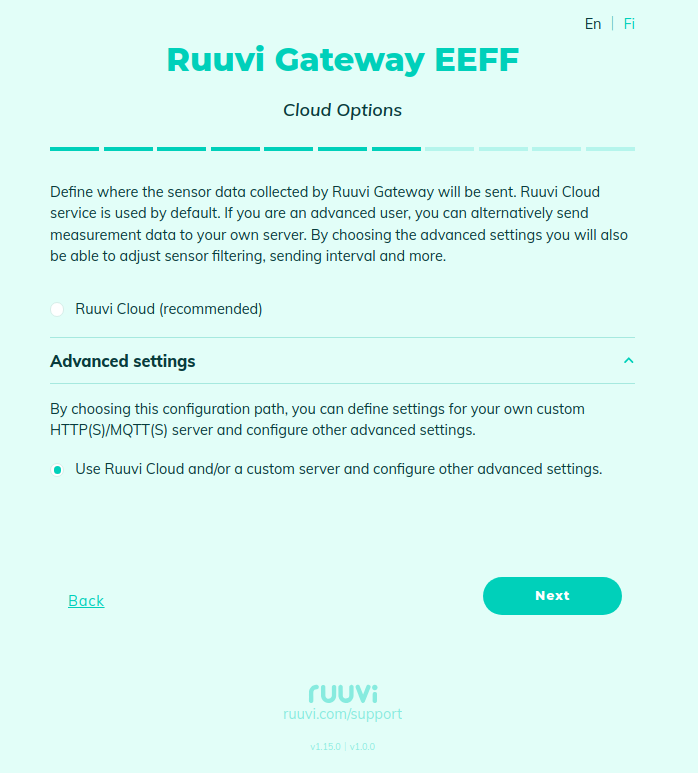
To access **Time Synchronisation Options**, you must first enable access to configure advanced settings on the **Cloud Options** page under **Advanced Settings**:
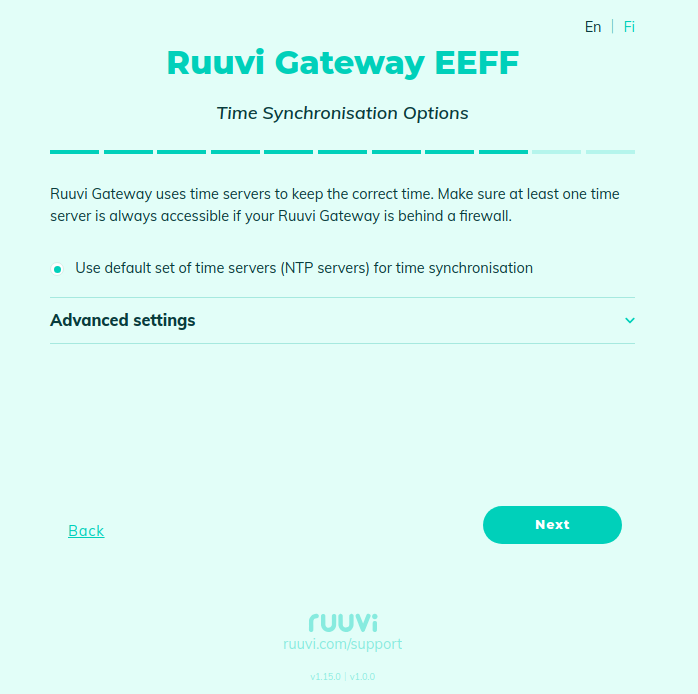
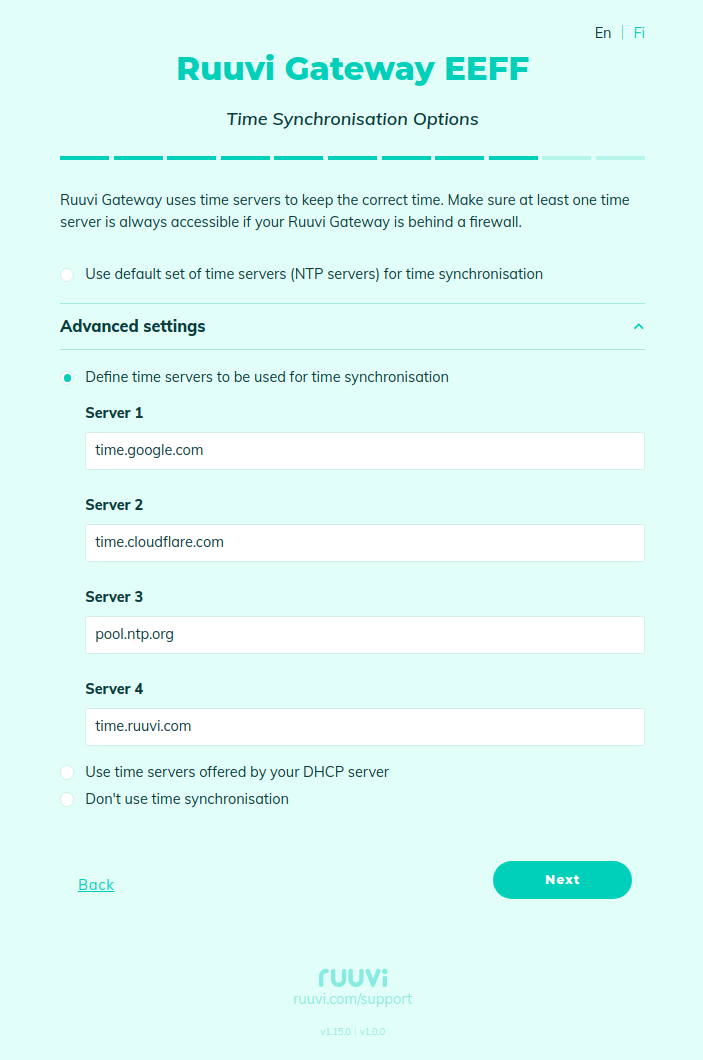
If the default set of NTP servers is not accessible, then you can specify the addresses of other NTP servers or use DHCP to obtain a list of NTP servers automatically. If the Ruuvi Gateway does not have access to the Internet and NTP, you can disable time synchronisation, but in this case, relayed messages will not contain timestamps.