> For the complete documentation index, see [llms.txt](https://docs.ruuvi.com/llms.txt). Markdown versions of documentation pages are available by appending `.md` to page URLs; this page is available as [Markdown](https://docs.ruuvi.com/ruuvi-gateway-firmware/gateway-html-pages/cloud-options/backend-mqtt-s.md).
# Backend: MQTT(s)
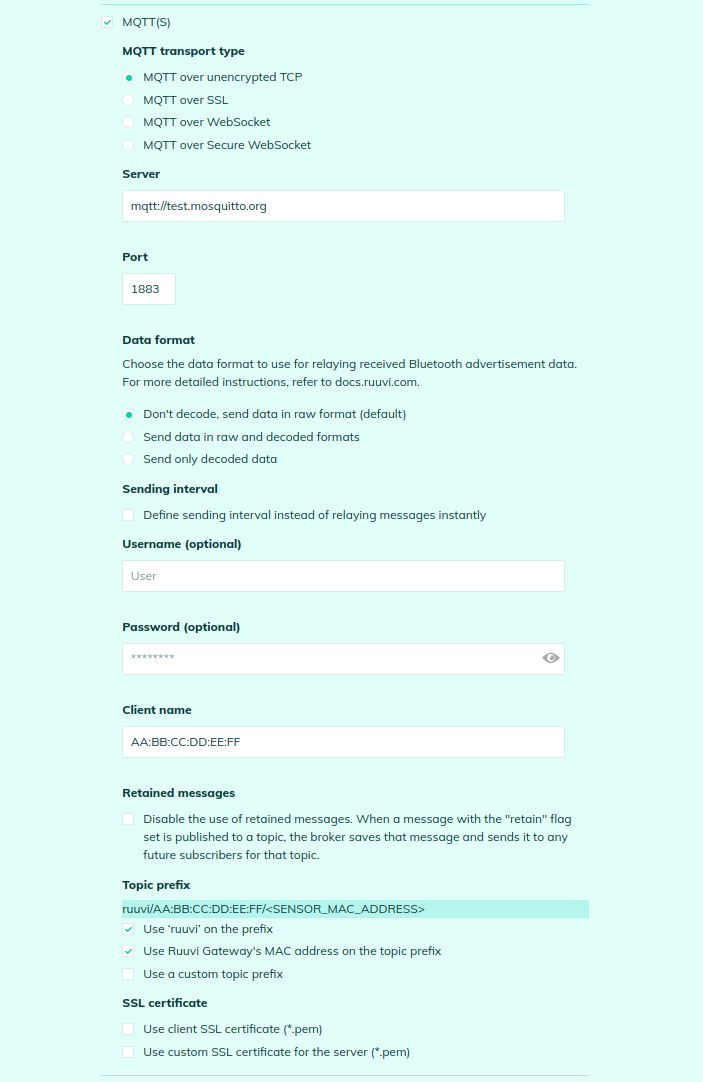
You can configure relaying data to MQTT server:
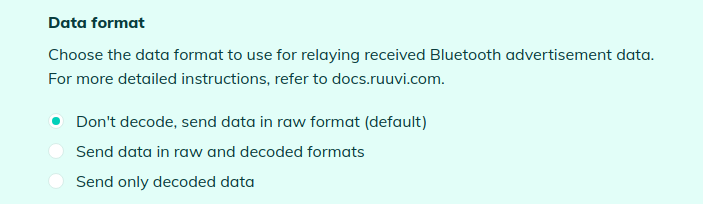
You can choose the data format - raw data received from Bluetooth sensors or decoded data for Ruuvi sensors:
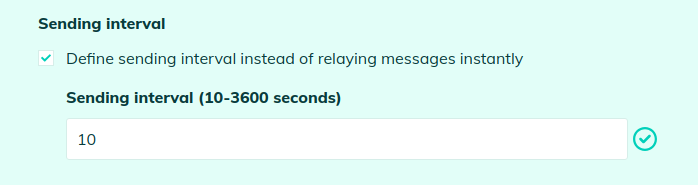
By default, data received from Bluetooth sensors is retransmitted over MQTT immediately, but if you have a lot of sensors you may want to limit the data flow. In order to do this you can set a sending interval:
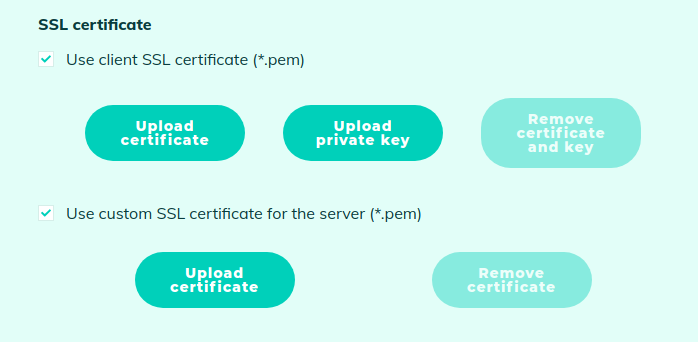
It also supports MQTT client authentication via SSL by enabling the upload of a client certificate and its associated private key, ensuring secure and verified client-server communication. You can use a server SSL Certificate if you want to be independent of public Certificate Authorities (CAs) or if you have deployed a self-signed certificate on the HTTPS server, giving you greater control and customization over your security infrastructure: