> For the complete documentation index, see [llms.txt](https://docs.ruuvi.com/llms.txt). Markdown versions of documentation pages are available by appending `.md` to page URLs; this page is available as [Markdown](https://docs.ruuvi.com/ruuvi-gateway-firmware/gateway-html-pages/cloud-options.md).
# Cloud Options
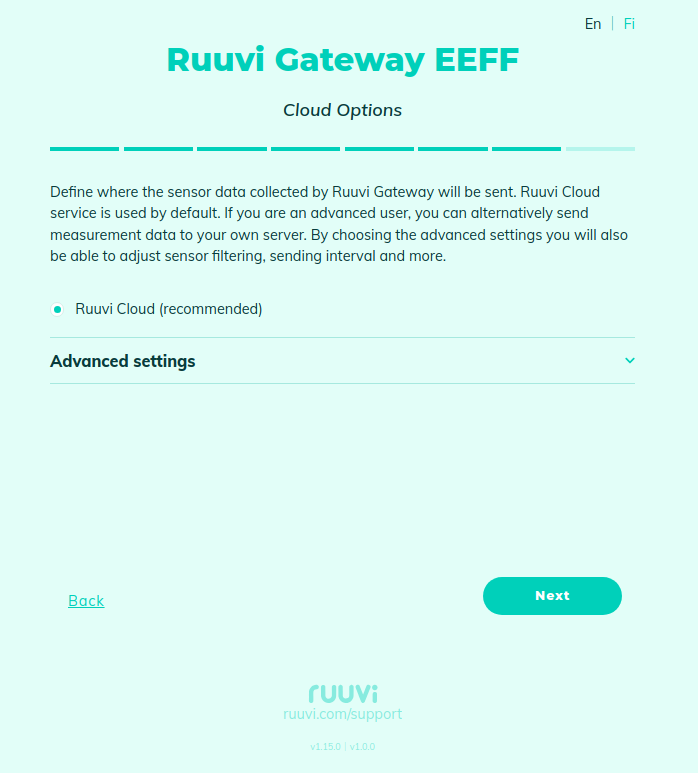
By default, Ruuvi Gateway sends accumulated messages from Bluetooth sensors [HTTP: Time-stamped data from Bluetooth-sensors](/ruuvi-gateway-firmware/data-formats/http-time-stamped-data-from-bluetooth-sensors.md) and some statistics [HTTP: Gateway status](/ruuvi-gateway-firmware/data-formats/http-gateway-status.md) to Ruuvi Cloud:
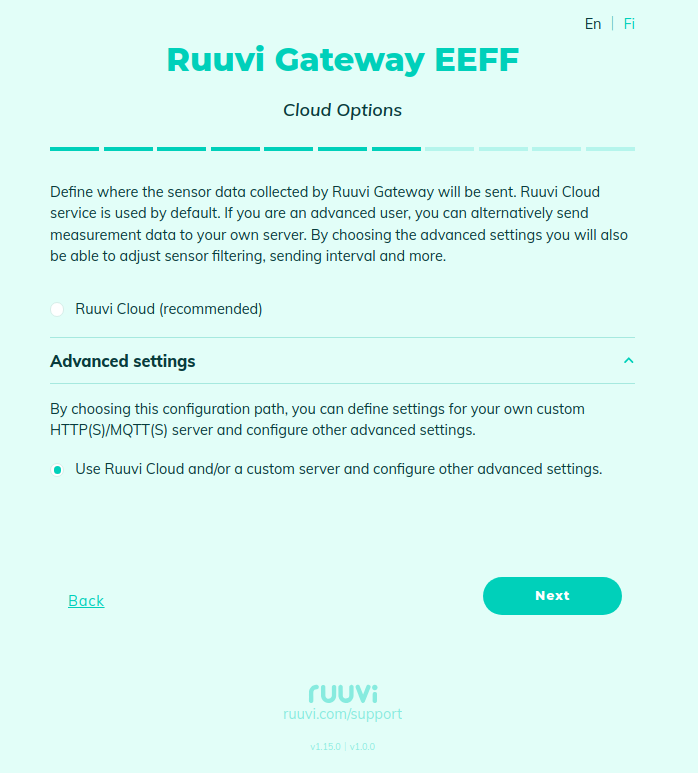
But you can change the cloud options under the "Advanced Settings":
On the next page, you can configure data transfer to HTTP(S) or MQTT(s) backend:
* [Backend: HTTP(s)](/ruuvi-gateway-firmware/gateway-html-pages/cloud-options/backend-http-s.md)
* [Backend: MQTT(s)](/ruuvi-gateway-firmware/gateway-html-pages/cloud-options/backend-mqtt-s.md)
* [Backend: Statistics](/ruuvi-gateway-firmware/gateway-html-pages/cloud-options/backend-statistics.md)