> For the complete documentation index, see [llms.txt](https://docs.ruuvi.com/llms.txt). Markdown versions of documentation pages are available by appending `.md` to page URLs; this page is available as [Markdown](https://docs.ruuvi.com/ruuvi-gateway-firmware/gateway-html-pages/bluetooth-scanning-settings.md).
# Bluetooth Scanning Settings
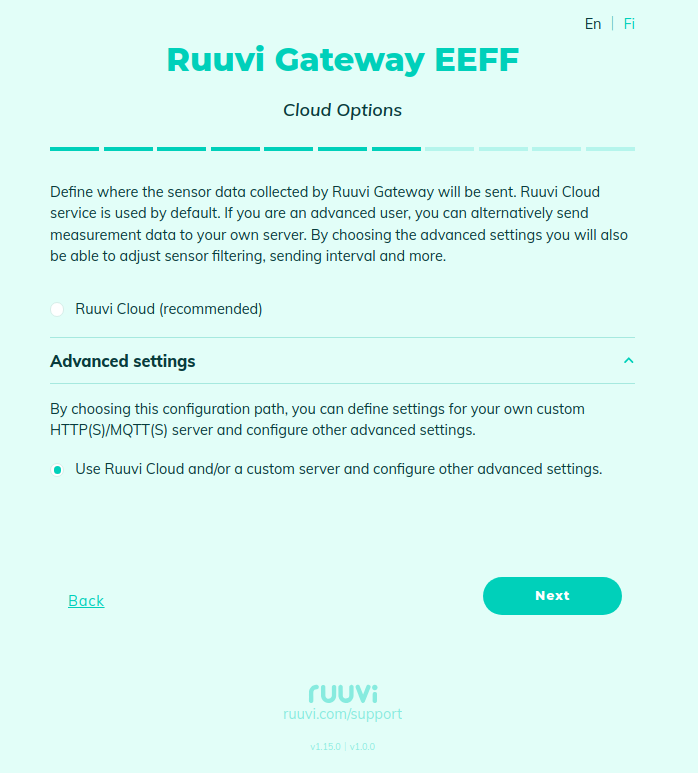
To access **Bluetooth Scanning Settings**, you must first enable access to configure advanced settings on the **Cloud Options** page under **Advanced Settings**:
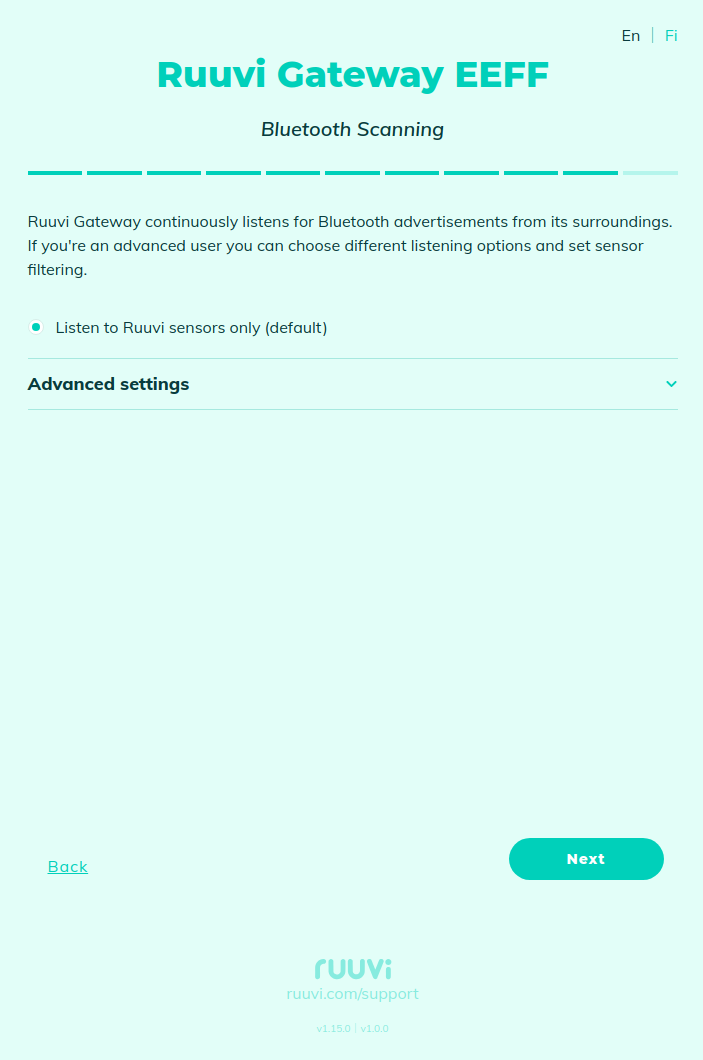
By default, Ruuvi Gateway scans only for Ruuvi sensors (filtered by BLE SIG member ID 0x0499)
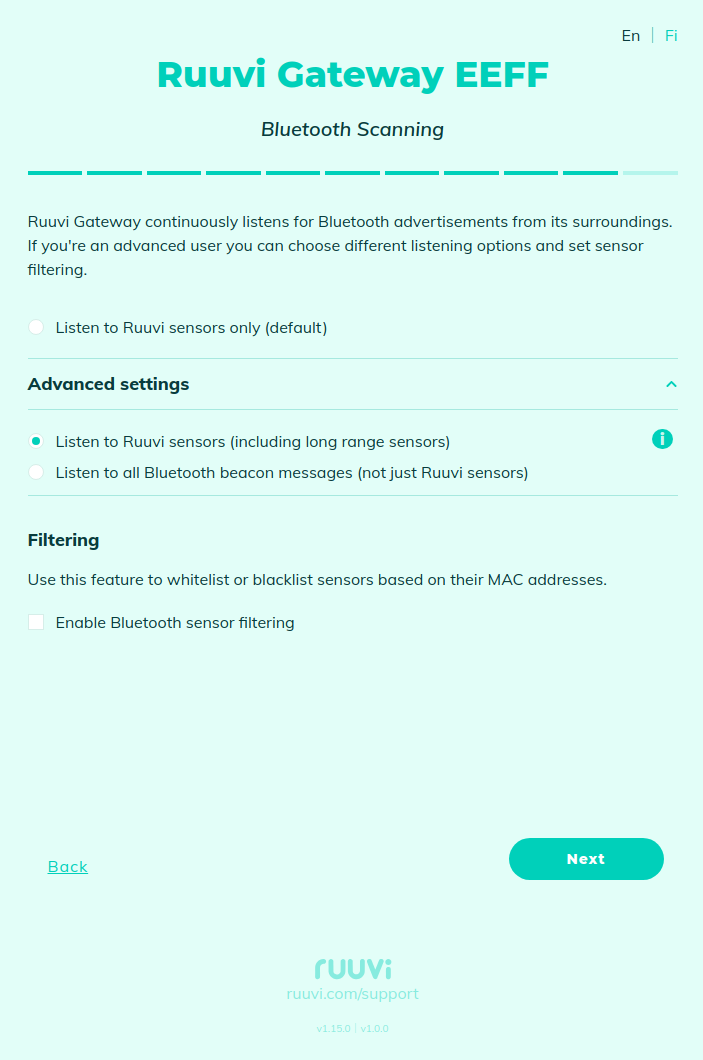
Also, you can enable Bluetooth long range (also known as Coded PHY). It is a new mode introduced in Bluetooth Version 5.0 to extend the range of Bluetooth devices from 30-100 feet to ranges of 1 kilometer and beyond.
**Note**: Most existing devices only transmit on 1 Mbps PHY. 1 Mbps and Coded PHYs modulations are scanned sequentially, so scanning both PHYs will result in at least 50% packet loss on one of the PHYs.
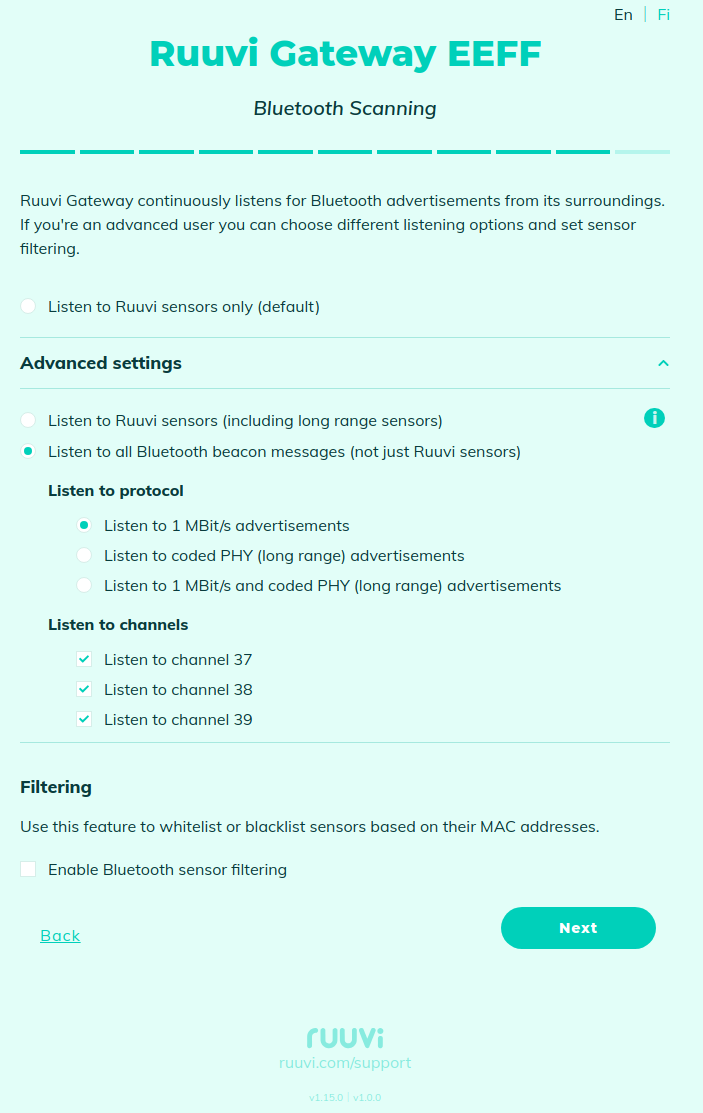
If you want to relay data from more than just Ruuvi sensors, you need to select the "**All (including third party beacons)**" option and adjust the scanned PHYs and Bluetooth channels used:
**Listen to channels**. Each enabled BLE channel is scanned sequentially for a minimum of 7000 ms per channel, for a total of 21000 ms if all 3 channels are enabled. At least one channel must be active.
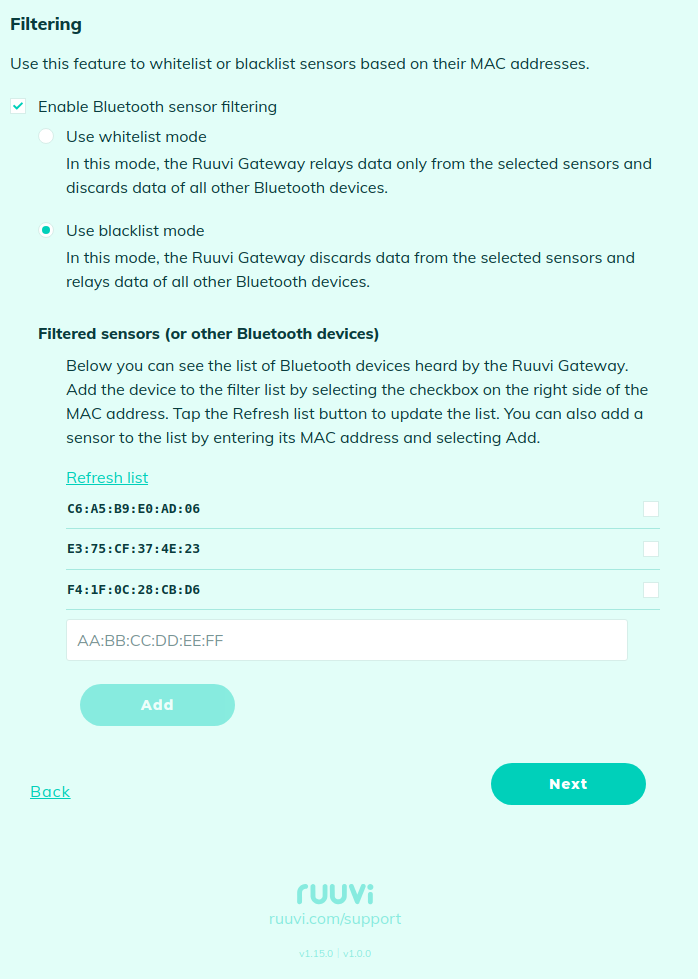
It is possible to filter out the relayed Bluetooth sensors. You can use **whitelist mode** if you only want to share data for specific sensors, or **blacklist mode** if you want to share data from all sensors except the specified list.
If you don't see some sensors, try to press on the **Refresh list**. If a sensor is offline, you can add it manually by entering its MAC address and pressing the **Add** button.