# Automatic updates

### Regular updates

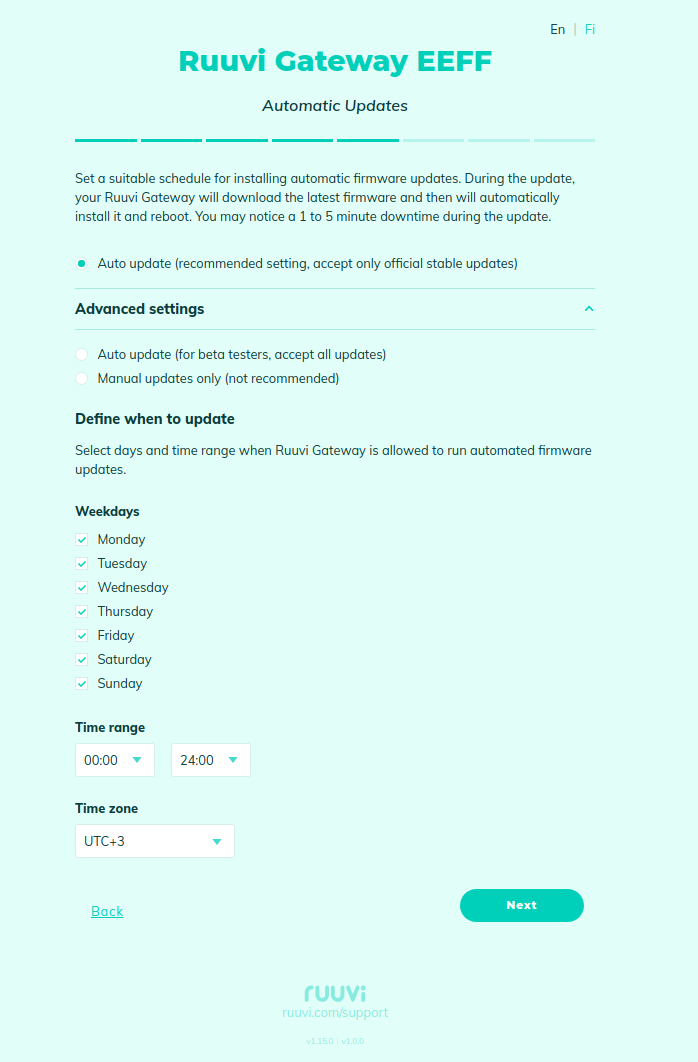
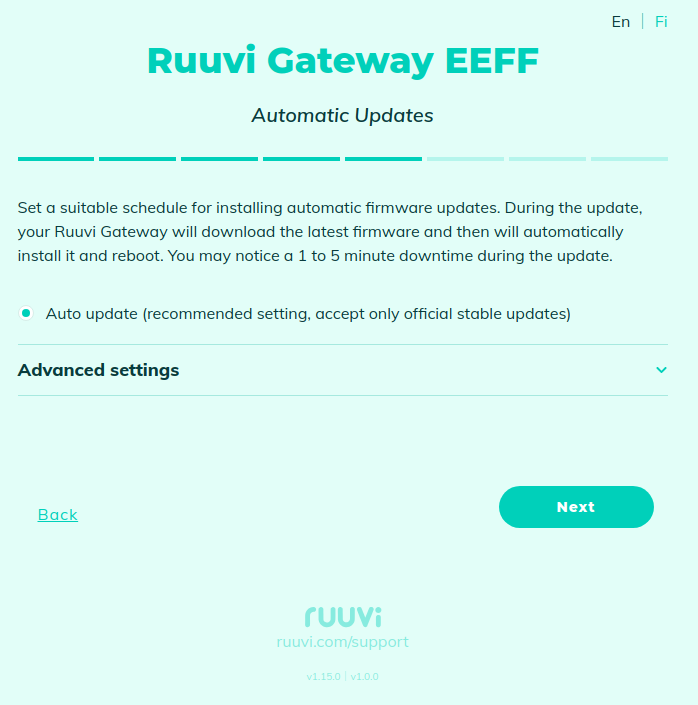
On this page, you can configure automatic software updates.

<figure><img src="https://1423309131-files.gitbook.io/~/files/v0/b/gitbook-x-prod.appspot.com/o/spaces%2F-LsPjfnhNj3v37AZtF-d%2Fuploads%2Fgit-blob-11c6a9d905a05b7d86bf06ad5d60d585863510e5%2FScreenshot%20from%202023-12-13%2008-38-35.png?alt=media" alt=""><figcaption></figcaption></figure>

Under the "Advanced Settings", you can configure a schedule for installing updates - select weekdays and preferred timeslot:

<figure><img src="https://1423309131-files.gitbook.io/~/files/v0/b/gitbook-x-prod.appspot.com/o/spaces%2F-LsPjfnhNj3v37AZtF-d%2Fuploads%2Fgit-blob-ae69801432141a85997c3a4317eb3baf9717008d%2FScreenshot%20from%202023-12-13%2008-40-58.png?alt=media" alt=""><figcaption></figcaption></figure>

### Beta testing of new releases

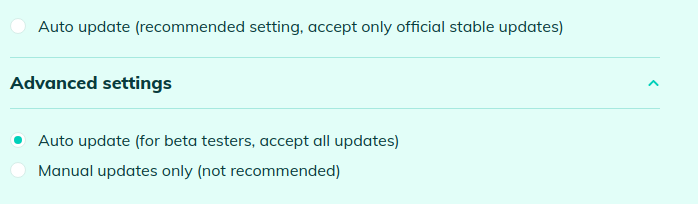
If you would like to participate in beta testing the new releases, then you can choose the following option:

<figure><img src="https://1423309131-files.gitbook.io/~/files/v0/b/gitbook-x-prod.appspot.com/o/spaces%2F-LsPjfnhNj3v37AZtF-d%2Fuploads%2Fgit-blob-ee3a60bd3ae3ac56fb3115ce5183311b1a374eee%2FScreenshot%20from%202023-12-13%2008-42-02.png?alt=media" alt=""><figcaption></figcaption></figure>

### Disabling automatic updates

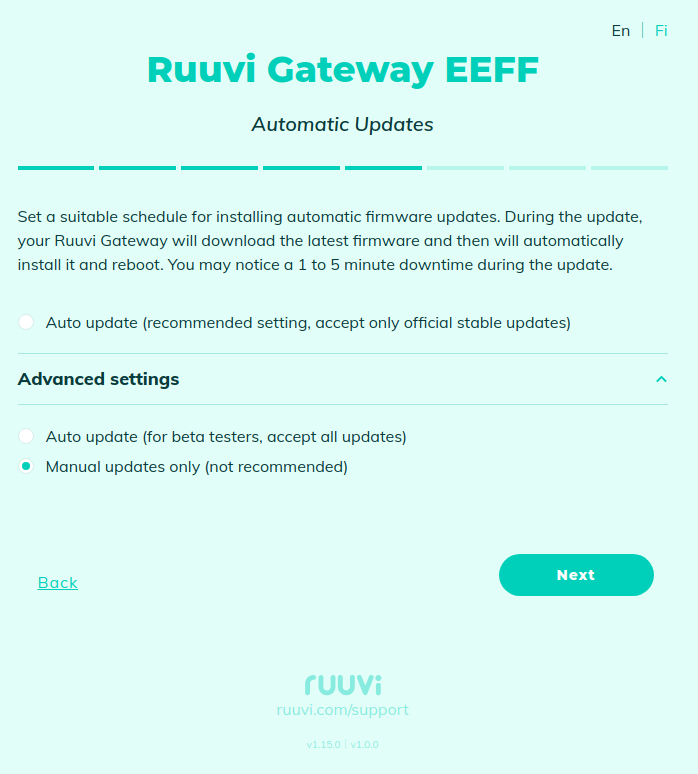
Also, you can disable automatic software updating by switching to "Manual updates only" mode:
<figure><img src="https://1423309131-files.gitbook.io/~/files/v0/b/gitbook-x-prod.appspot.com/o/spaces%2F-LsPjfnhNj3v37AZtF-d%2Fuploads%2Fgit-blob-b882193184d07dad83c7fd547116eabcfe93aab2%2FScreenshot%20from%202023-12-13%2008-43-07.png?alt=media" alt=""><figcaption></figcaption></figure>