> For the complete documentation index, see [llms.txt](https://docs.ruuvi.com/llms.txt). Markdown versions of documentation pages are available by appending `.md` to page URLs; this page is available as [Markdown](https://docs.ruuvi.com/ruuvi-gateway-firmware/gateway-html-pages/automatic-configuration-download.md).
# Automatic configuration download
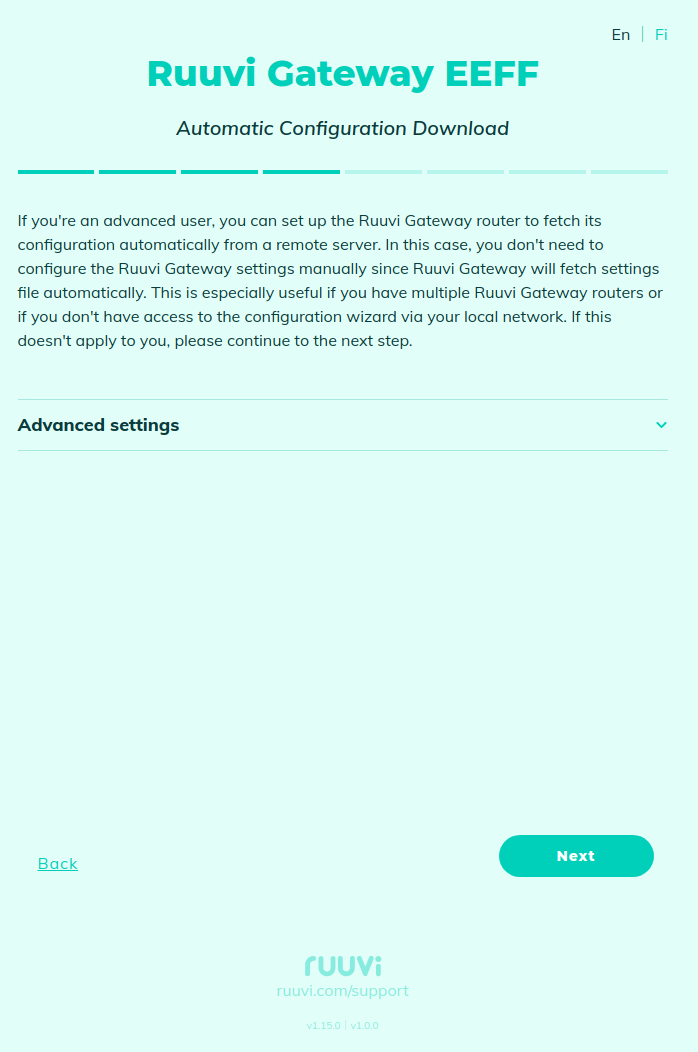
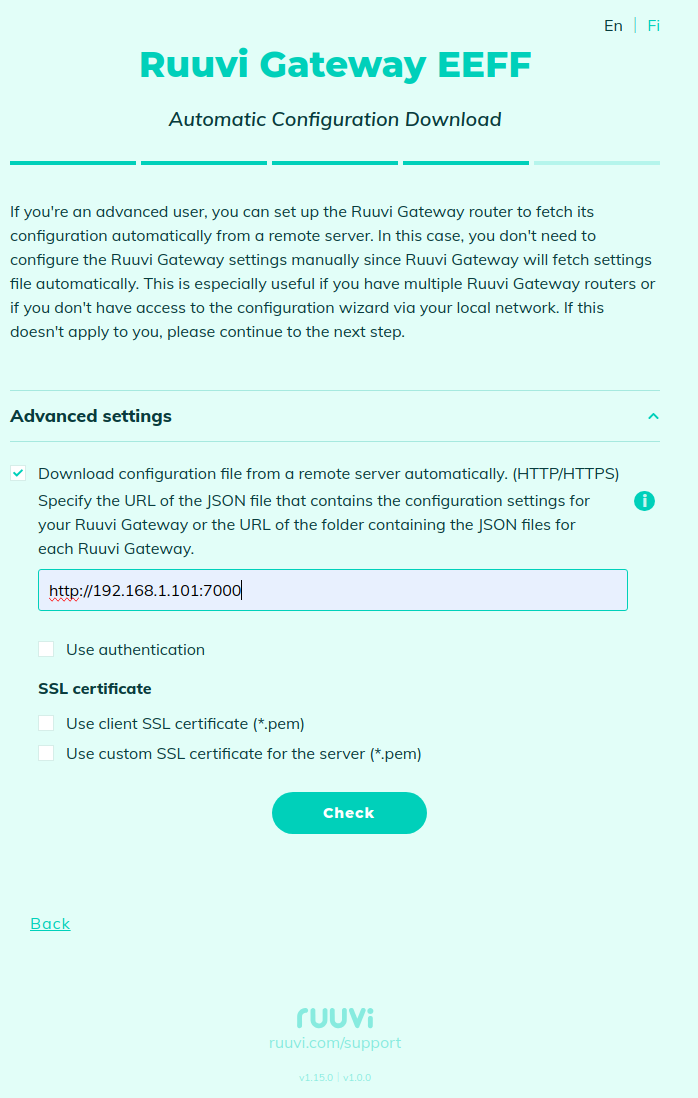
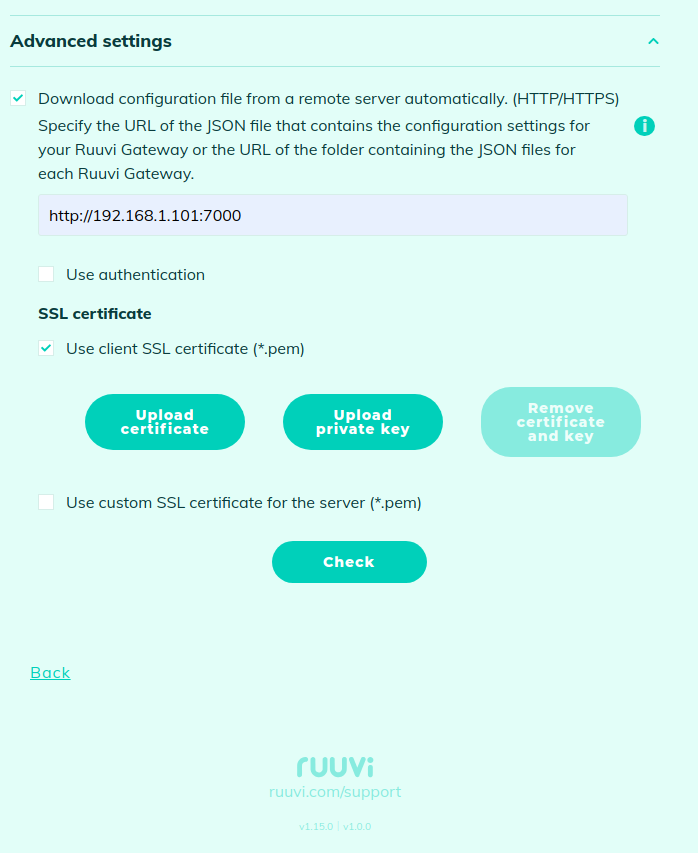
Ruuvi Gateway can automatically download its configuration from a remote server, you can enable this feature on this page:
You need to specify the base URL from where gw\_cfg.json with the Gateway settings can be downloaded.
If you specify a folder name as the base URL (any URL that does not end with '.json'), it will first attempt to read the configuration file for the Gateway from \.json (e.g. AABBCCDDEEFF.json). If this file fails, it will attempt to read the overall configuration from gw\_cfg.json.
If there are several Ruuvi Gateways in the network requesting configuration from a remote server, in some cases it may be convenient to request a file with a fixed name, but the content will be unique for each Ruuvi Gateway. In this case, the configuration file can also be generated dynamically by the server, where the server extracts the Gateway's MAC address from the HTTP request header named 'ruuvi\_gw\_mac' in the format XX:XX:XX:XX:XX:XX and generates a configuration specific to this Gateway based on the MAC address.
After entering the base URL, press the Check button to validate the URL and check that the configuration file exists. Next, after pressing the Download button, the new configuration will be downloaded, which completes the configuration process. After that, Ruuvi Gateway will periodically check for configuration updates and download them. The polling period is set in the configuration file ([Gateway configuration](/ruuvi-gateway-firmware/data-formats/gateway-configuration.md)), which is downloaded from the server.
The gateway configuration file on the remote server must contain at least the following attributes:
* **remote\_cfg\_use:** true
* **remote\_cfg\_url**: URL
* **remote\_cfg\_refresh\_interval\_minutes**: a period of checking for an updated configuration (in minutes)
* **remote\_cfg\_auth\_type**: authentication type ('**no**' if authentication is not required)
Example of minimal gw\_cfg.json:
```json
{
"remote_cfg_use": true,
"remote_cfg_url": "http://192.168.1.101:7000/",
"remote_cfg_refresh_interval_minutes": 10,
"remote_cfg_auth_type": "no"
}
```
All configuration attributes not specified in the configuration file will retain their previous value after the new configuration is loaded from the remote server.
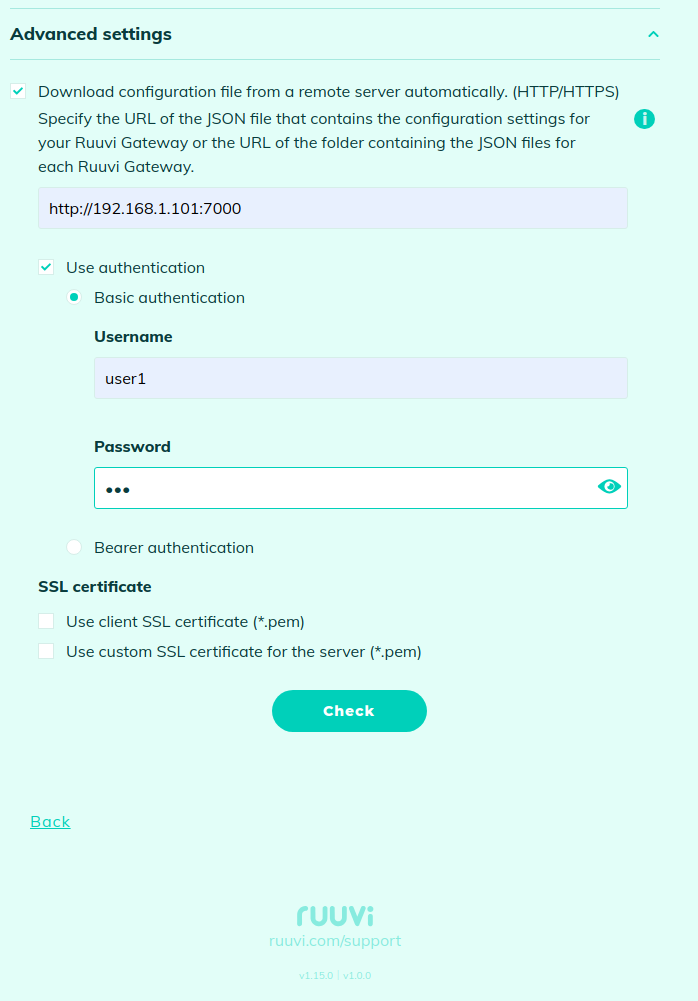
Configuration downloads with basic HTTP authentication are also supported:
Example of corresponding minimal gw\_cfg.json:
```json
{
"remote_cfg_use": true,
"remote_cfg_url": "http://192.168.1.101:7000/",
"remote_cfg_refresh_interval_minutes": 10,
"remote_cfg_auth_type": "basic",
"remote_cfg_auth_basic_user": "user1",
"remote_cfg_auth_basic_pass": "password1"
}
```
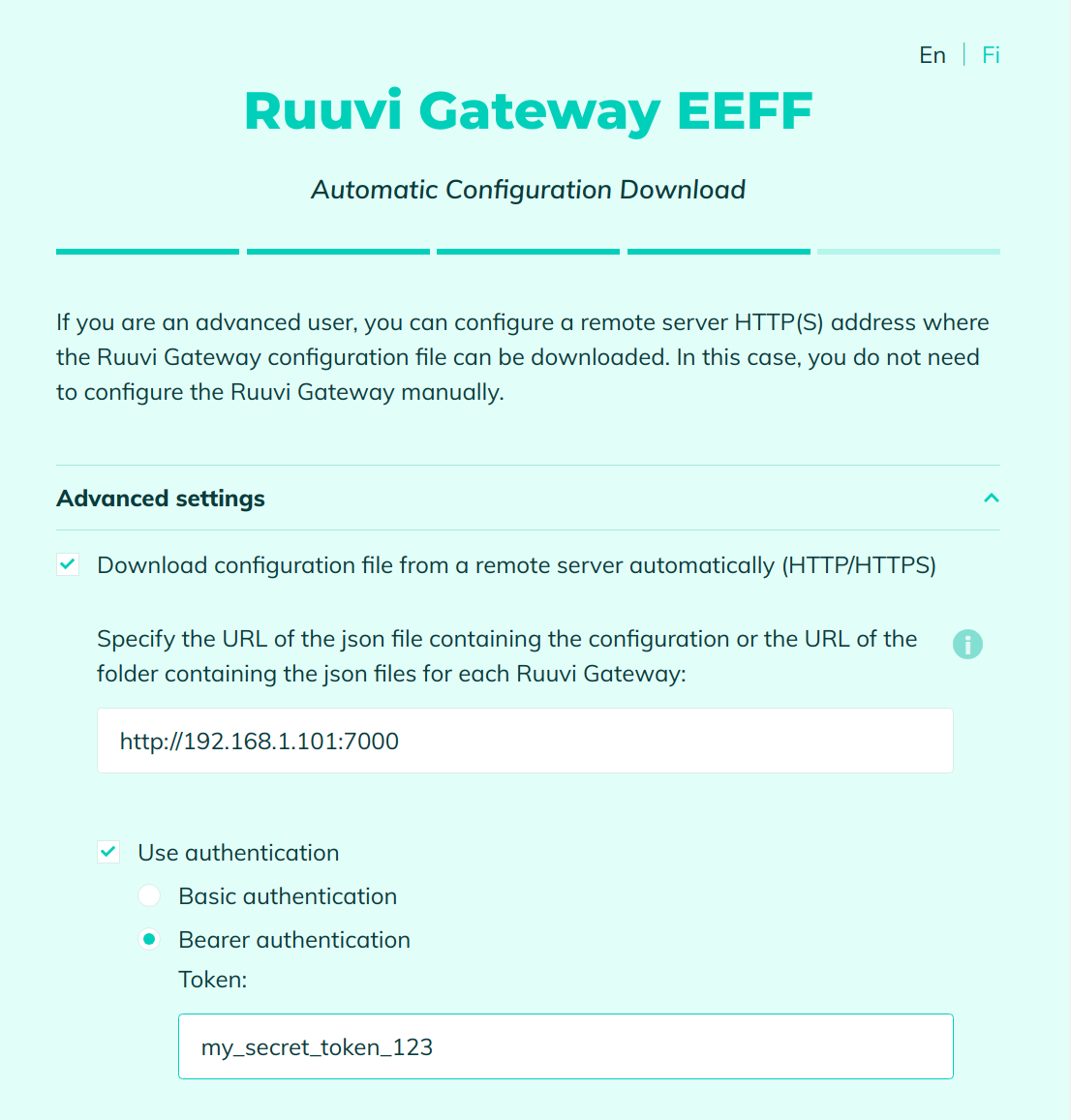
Or Bearer authentication (using a token):
Example of corresponding minimal gw\_cfg.json:
```json
{
"remote_cfg_use": true,
"remote_cfg_url": "http://192.168.1.101:7000/",
"remote_cfg_refresh_interval_minutes": 10,
"remote_cfg_auth_type": "bearer",
"remote_cfg_auth_bearer_token": "my_secret_token_123"
}
```
It also supports client authentication via SSL by enabling the upload of a client certificate and its associated private key, ensuring secure and verified client-server communication:
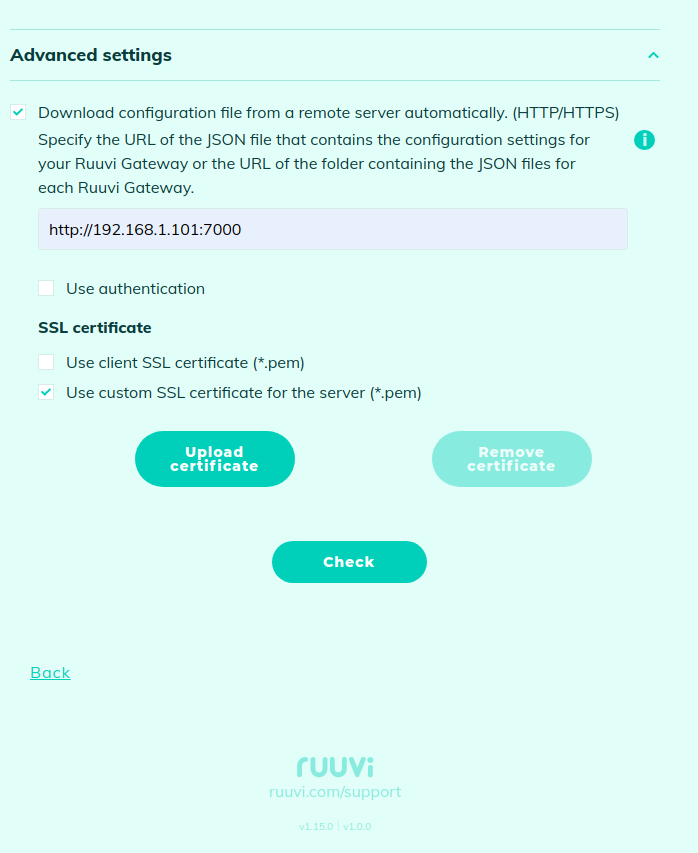
You can use a server SSL Certificate if you want to be independent of public Certificate Authorities (CAs) or if you have deployed a self-signed certificate on the HTTPS server, giving you greater control and customization over your security infrastructure:
You can also trigger a forced configuration download via API: [Configuration download from a remote server via API](/ruuvi-gateway-firmware/examples/configuration-download-from-a-remote-server-via-api.md)