> For the complete documentation index, see [llms.txt](https://docs.ruuvi.com/llms.txt). Markdown versions of documentation pages are available by appending `.md` to page URLs; this page is available as [Markdown](https://docs.ruuvi.com/ruuvi-gateway-firmware/gateway-html-pages/auth.html.md).
# Authentication when accessing from LAN
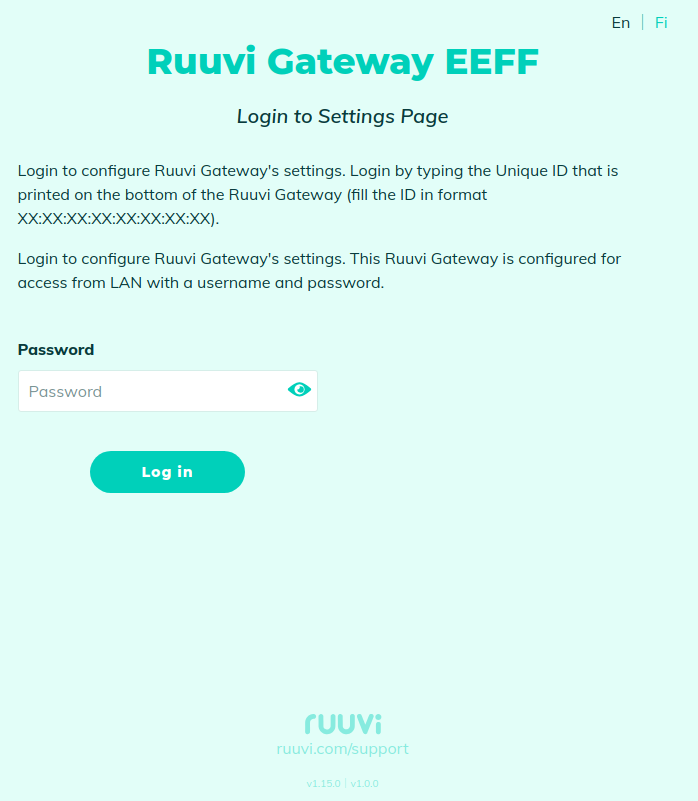
When accessing Ruuvi Gateway from LAN and the access is password protected, then the authentication page will automatically open:
If default settings are used, then you can log in using the following credentials:\
Password: Unique ID (in the format XX:XX:XX:XX:XX:XX:XX:XX) which is printed on the bottom of the Ruuvi Gateway.
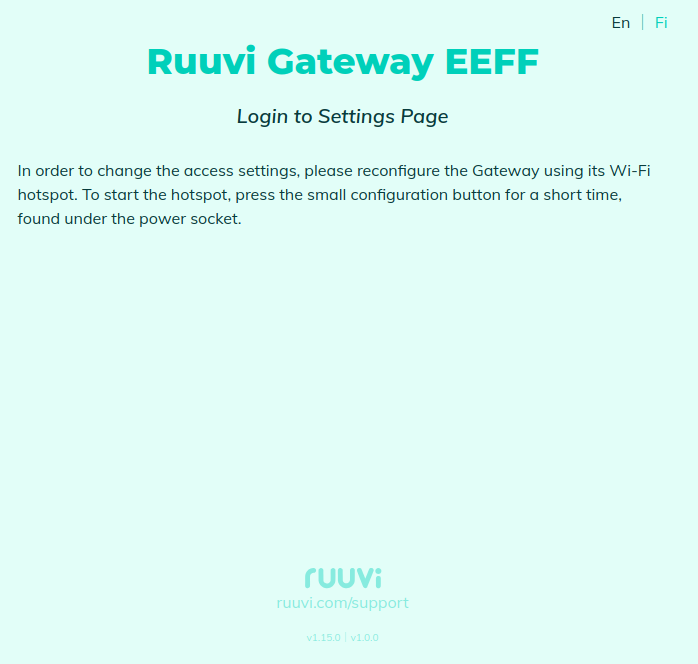
In case the remote configuration from LAN is disabled, then the following page will be displayed: