> For the complete documentation index, see [llms.txt](https://docs.ruuvi.com/llms.txt). Markdown versions of documentation pages are available by appending `.md` to page URLs; this page is available as [Markdown](https://docs.ruuvi.com/ruuvi-gateway-firmware/gateway-html-pages/access-settings-from-lan.md).
# Access Settings from LAN
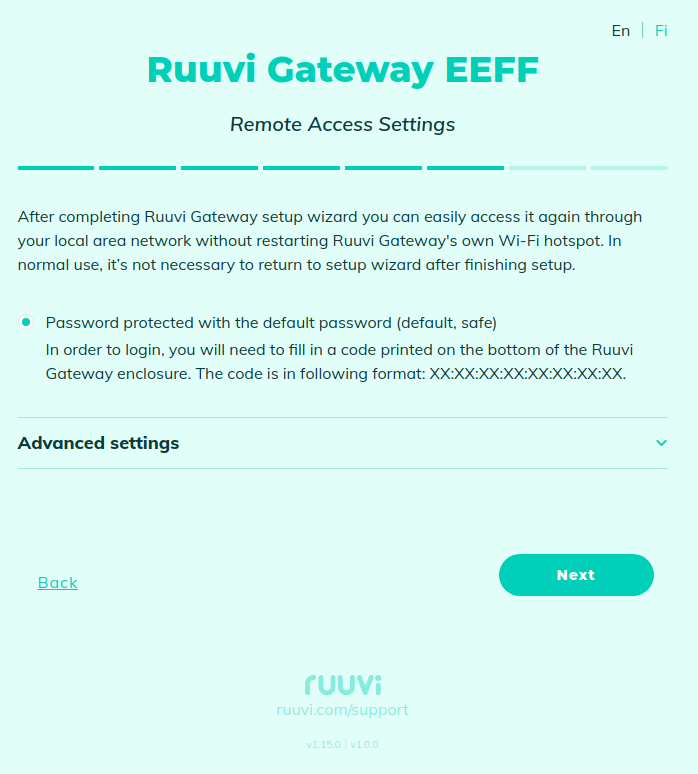
On this page, you can set access rules to Ruuvi Gateway from the local network. By default, the access is password protected using the default password (unique device ID which is printed on the bottom of Ruuvi Gateway).
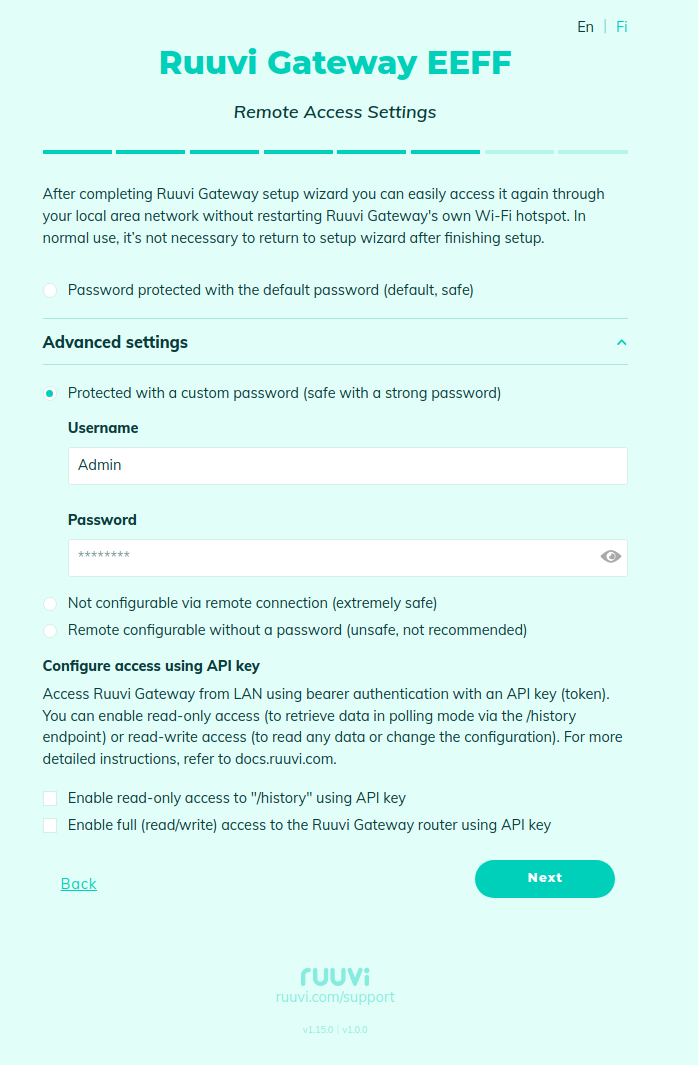
If you wish, you can set your own username and password:
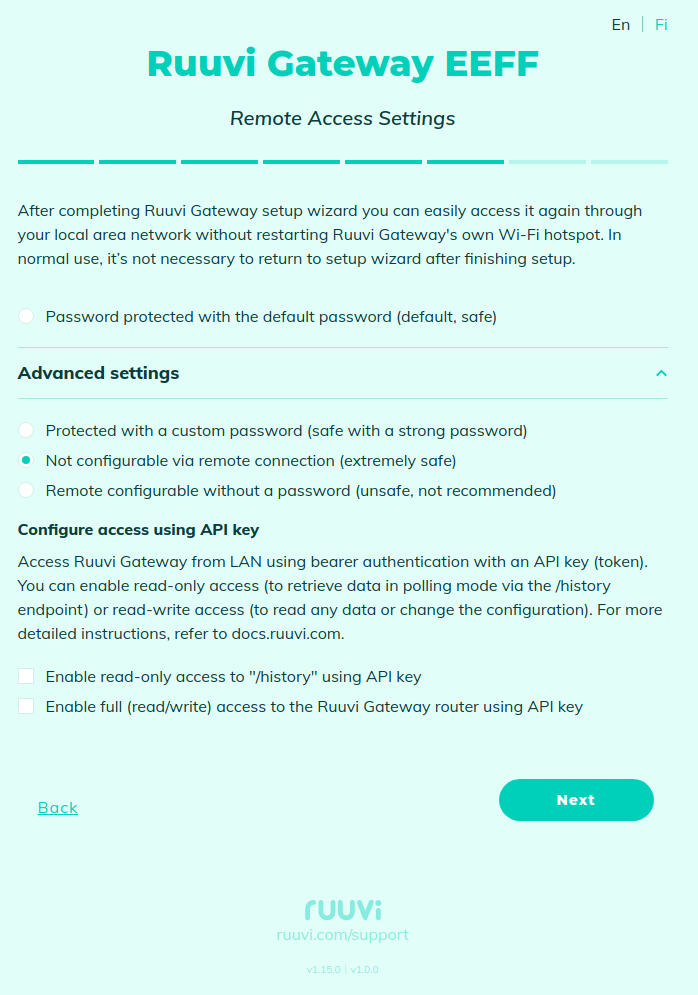
Or disable access by username/password:
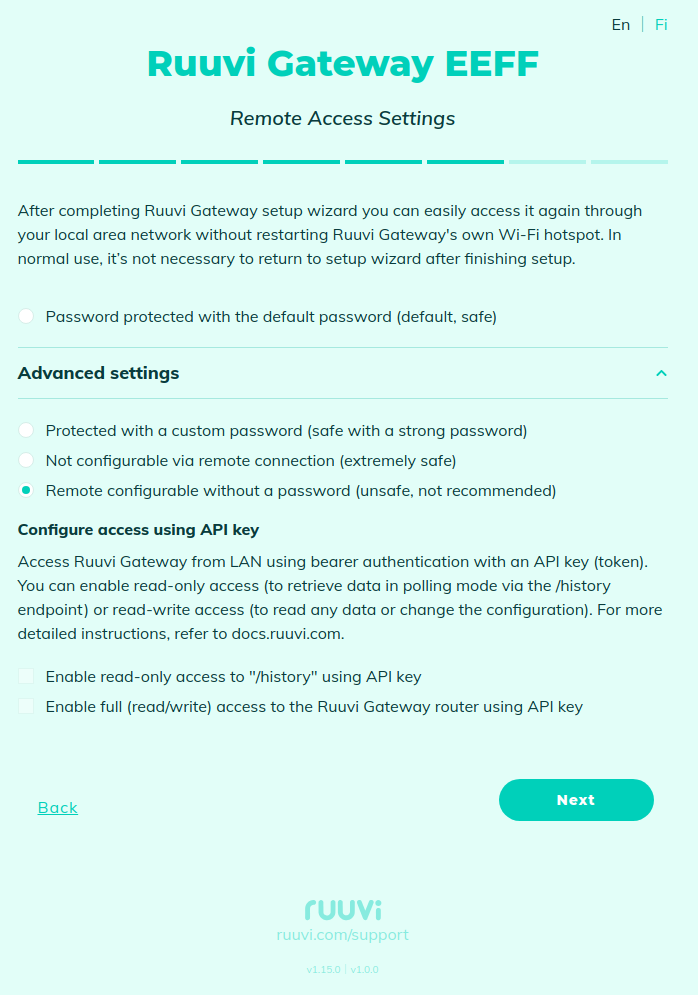
You can also allow access without a password, but this is not recommended as it is not very secure:
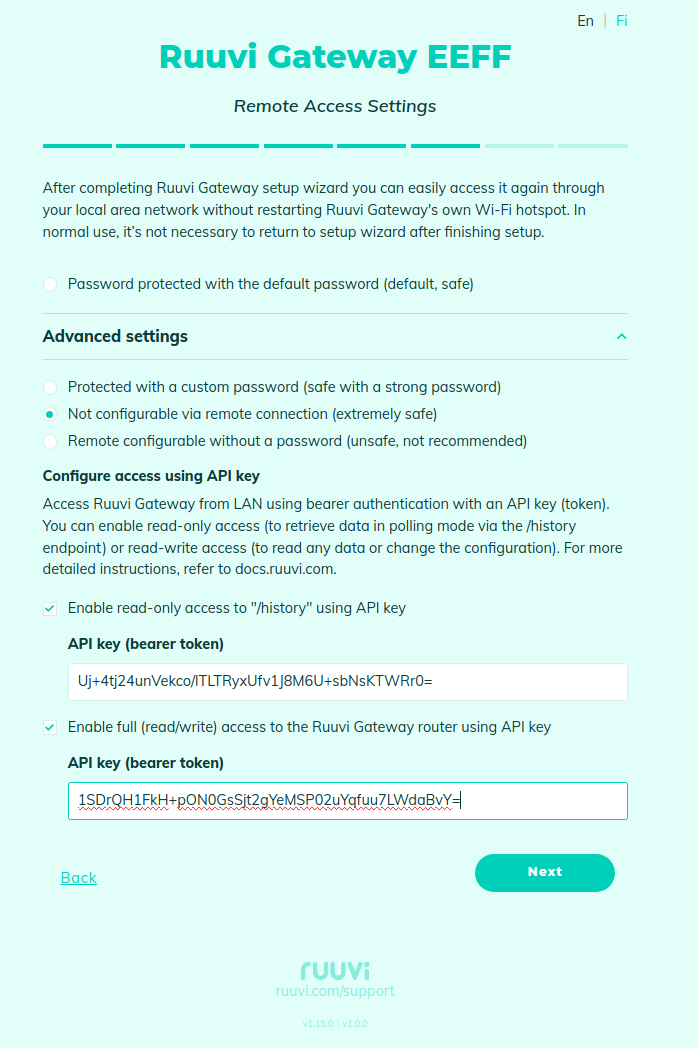
It is also possible to access Ruuvi Gateway from LAN using bearer authentication with an API key (token). You can enable read-only access (to retrieve data in [Polling mode](/ruuvi-gateway-firmware/examples/polling-mode.md) via the /history endpoint) or read-write access (to read any data or change the configuration):